Clock in and out on location
Use a tablet, laptop or desktop computer as a digital time clock for teams on location.

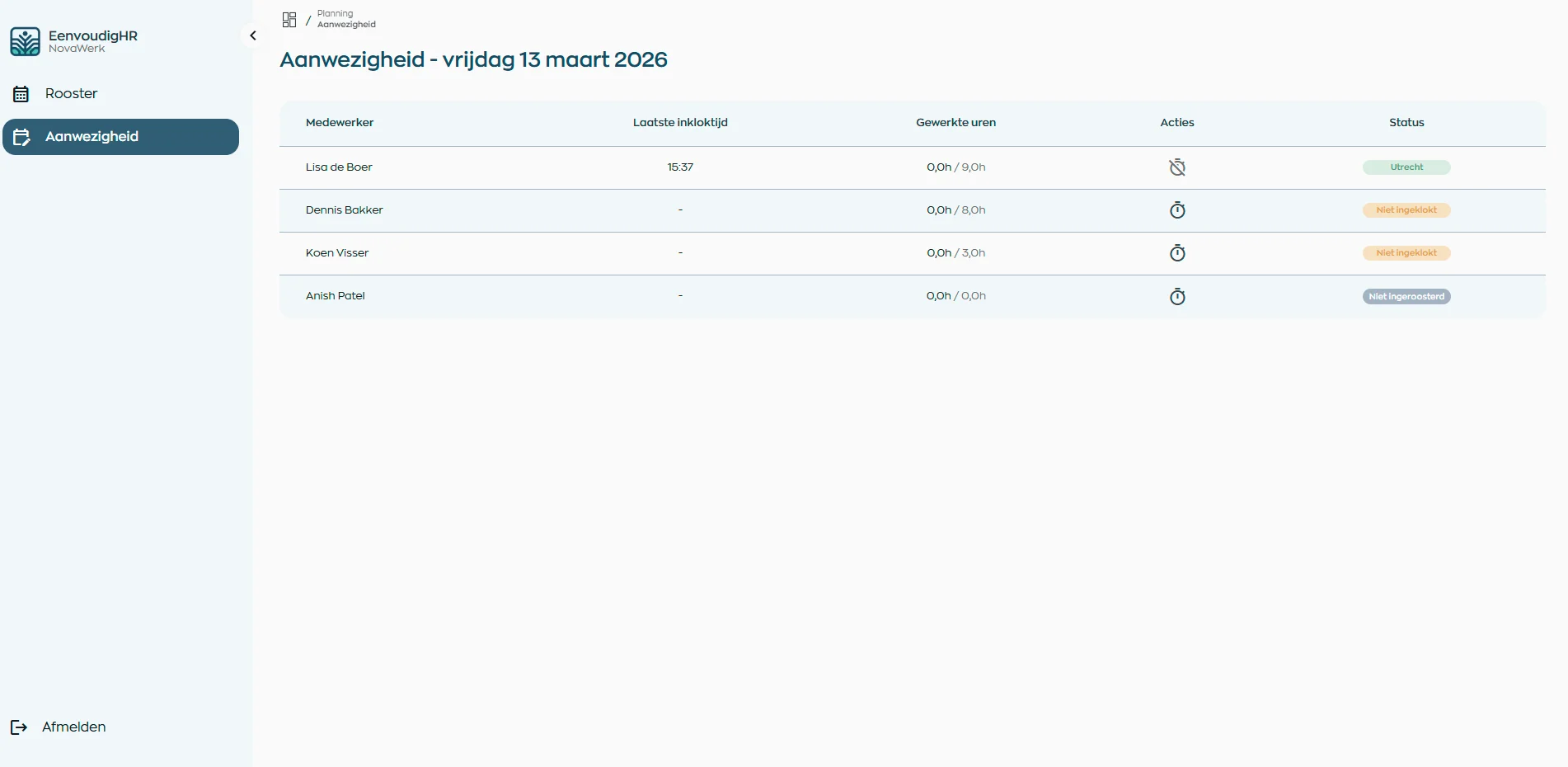
Time clock
Use the time clock for teams that work on location and connect attendance to planning and time registration.
Use a tablet, laptop or desktop computer as a digital time clock for teams on location.
See who is present and how this fits in with planning and hours worked.
Make worked times available more quickly for checking, approval and reporting.
Location
For teams working on-site, attendance is often directly tied to scheduling and hours.
With the Location App you use a fixed tablet, laptop or computer as a time clock for clocking in and out.
Attendance
Attendance becomes clearer when clock times align with scheduled shifts.
This way, managers can see more quickly who is on location and where follow-up is needed.
Planning
Planned shifts and actual attendance stay connected.
WorkVine helps to recognize deviations more quickly and to better monitor hours in practice.
End of shift
After clocking out, it becomes clear what time has been worked and what checks are still required.
This makes the step towards time registration and approval calmer and more traceable.
Possibilities
Bring clocking in and out, attendance, and time approval into the same workflow.
Where work, people and growth come together
Schedule a demo and see how time clock, planning, attendance and time registration come together in WorkVine.